
GEXNO / Guides / How to Compress Images: 3 Ways to Hit a Target File Size Without Ruining Quality
How to Compress Images: 3 Ways to Hit a Target File Size Without Ruining Quality
Photo too large to upload? Learn how image compression actually works, how to hit a target KB size, and how to shrink photos in your browser — originals never uploaded.
Why your photos are so large
A quick phone snapshot is 3-8MB: 4000×3000 pixels, high-quality encoding and rich color information. Meanwhile registration forms, email attachments and exam portals often demand images under 200KB — sometimes under 50KB.
The reflex is to screenshot the photo — it does get smaller, but resolution drops and prints turn blurry. The right approach is re-compression: keep acceptable quality and squeeze the size to the target.
Three ways to shrink an image, three use cases
- Lower quality: the JPG compression parameter. Going from 100% to 75-80% typically cuts 50-70% of the size with no visible difference — enough for most cases.
- Lower resolution: 4000×3000 down to 1600×1200 is an order of magnitude fewer pixels and a quadratic drop in size. Great for web-only images.
- Change format: WebP is 25-35% smaller than JPG at equal quality — perfect for site images, though legacy systems may not support it.
Hands-on: hit a target file size
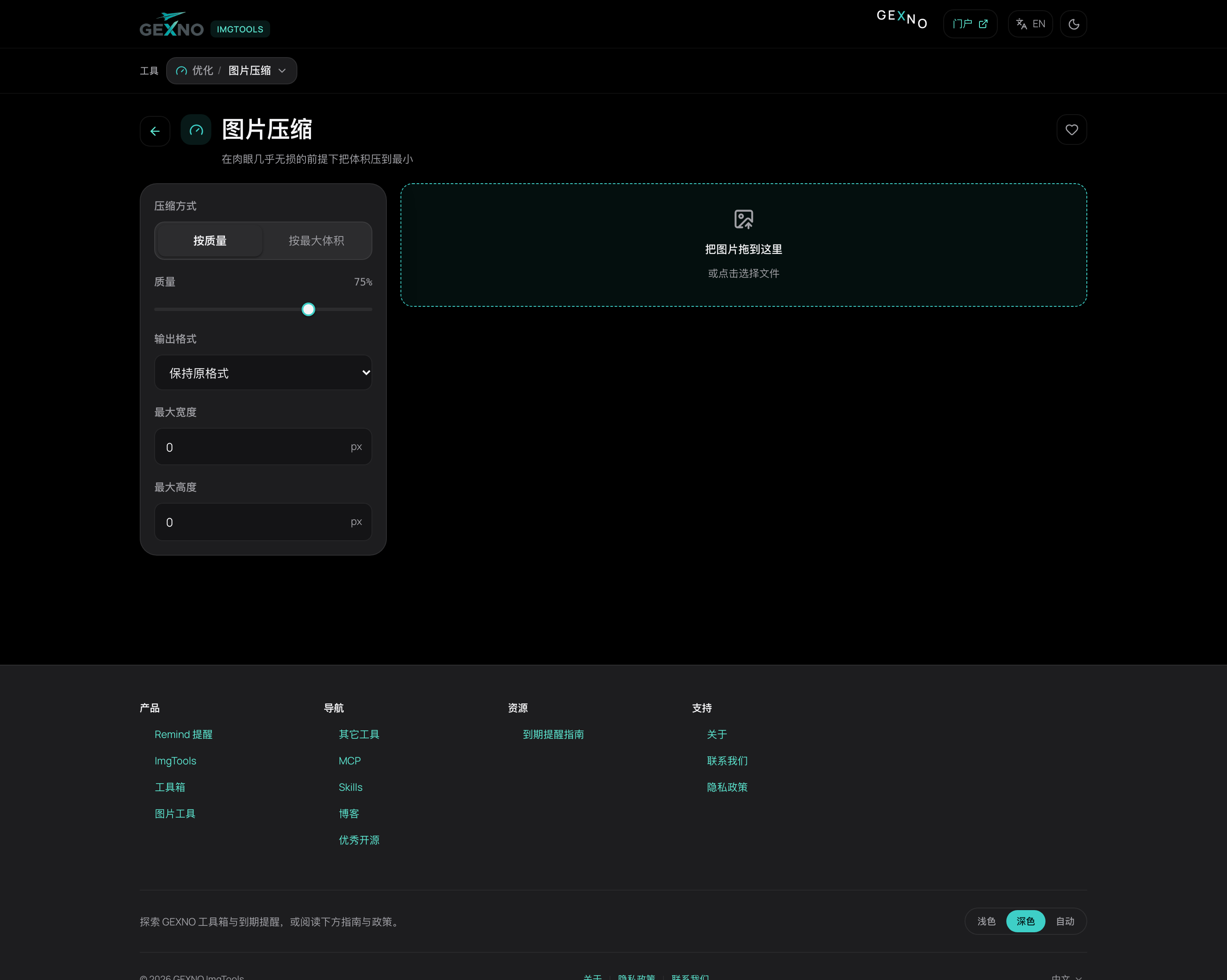
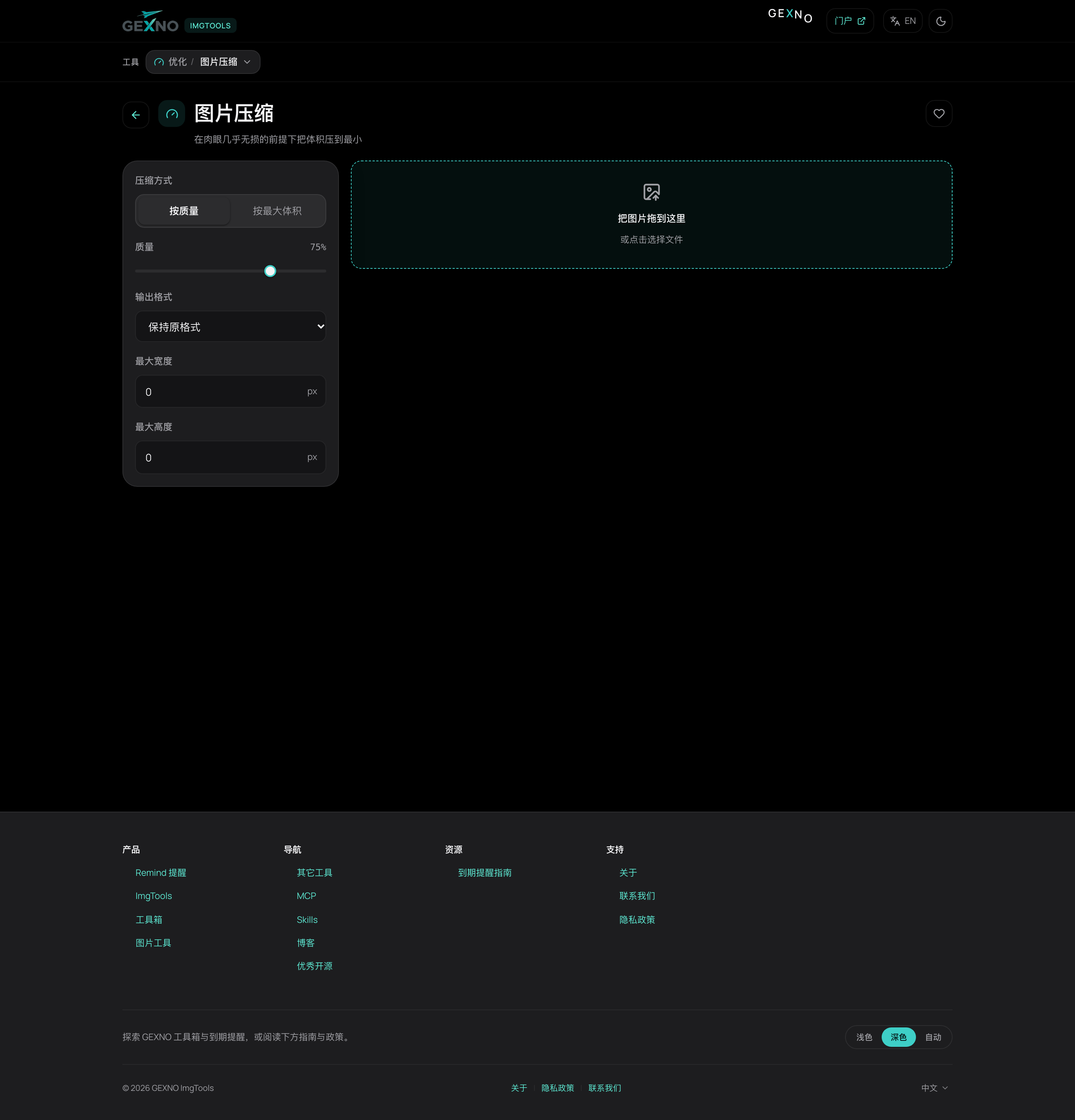
The image compressor in GEXNO ImgTools supports a target-size mode: enter a goal (say 200KB) and the tool automatically searches compression parameters to approach it. No trial and error.
Everything runs locally in your browser — registration photos and ID photos stay on your device.
Cheat sheet: which settings to pick
- WeChat / email attachments: JPG, quality 75-80%, no resize — the golden balance.
- Exam or ID uploads (100-200KB limit): target-size mode at 150KB, longest side capped at 1600px if needed.
- Website images: WebP, quality 75%, longest side 1200px — page speed improves immediately.
- Printing: don't resize; only drop quality to 85-90% or prints will show artifacts.
Why quality drops, and whether "lossless" is possible
JPG is inherently lossy — "lossless" only means not losing more. Meaningful size reduction always discards something; the good news is most of it is high-frequency detail the human eye ignores.
Practical advice: after compressing, compare original and result at 100% zoom (faces, text and shadows suffer first). Acceptable? Ship it. Otherwise dial quality back up. And compress once — re-compressing an already compressed image degrades it further every time.
FAQ
How do I compress an image below 200KB?
Use a compressor with a target-size mode (like the GEXNO ImgTools compressor), enter 200KB and let it approach the goal; if it still overshoots, cap the longest side at around 1600px.
Does compressing an image hurt sharpness?
At 75-80% quality the difference is invisible; the harder you squeeze the blurrier it gets. Check faces and text at 100% zoom after compressing.
Which compresses smaller, PNG or JPG?
Photos: JPG/WebP by far. PNG suits screenshots and icons with large flat areas. Convert a screenshot to JPG once and compare.
Is it safe to compress images online?
Upload-based compressors hand your originals to a third-party server. For private photos use a browser-local tool so images never leave the device.
Why did my photo shrink after sending it on WeChat?
WeChat compresses by default. Tick "Original" in the send dialog to bypass it — what the receiver sees depends on which one you sent.