
GEXNO / Guides / How to Convert iPhone HEIC Photos to JPG Online (No Software)
How to Convert iPhone HEIC Photos to JPG Online (No Software)
HEIC is the default iPhone photo format that Windows, WeChat and many websites cannot open. Learn how to batch-convert HEIC photos to JPG entirely in your browser — photos never leave your device.
Why iPhone photos won't open: meet HEIC
Since the iPhone 7, Apple has used HEIC (High Efficiency Image Container) as the default photo format instead of JPG. A HEIC photo takes roughly half the space of a JPG — that's why it saves storage.
The trade-off is compatibility: older Windows Explorers, WeChat for desktop, many corporate systems, print shops and dated upload forms simply don't recognize HEIC. Share an iPhone photo with a colleague and they often see an unopenable file.
Converting HEIC to JPG solves this last mile: once converted, every device and every app can open it.
Three ways to convert, compared
There are three common approaches, each with very different trade-offs:
- On the phone: set iPhone "Settings → Camera → Formats" to "Most Compatible" and new photos will be JPG — but existing photos stay HEIC.
- Desktop software: iMazing, CopyTrans and friends are capable but require installation, and Windows download pages are often bundled with junk.
- Online converters: zero install, but watch out — most upload your photos to their servers, and many watermark or limit free usage.
Recommended: convert locally in your browser
The HEIC converter in GEXNO ImgTools runs entirely in your browser: the conversion logic executes on your own device, so photos never touch any server. For private photos — faces, IDs, location data — this matters more than raw speed.
Just open the tool page. No sign-up, no install, no watermark, no photo-count limits.
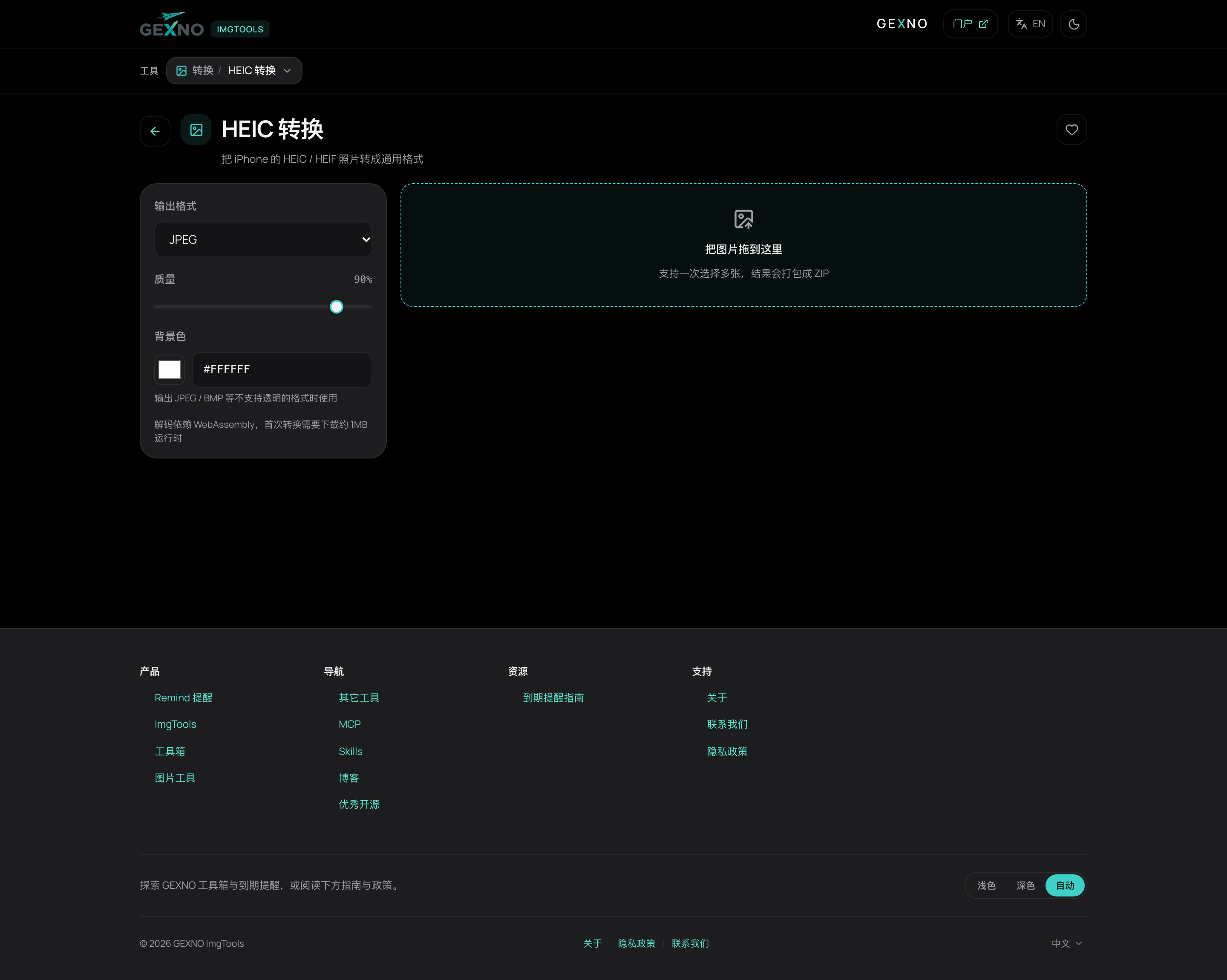
Three steps, a few seconds
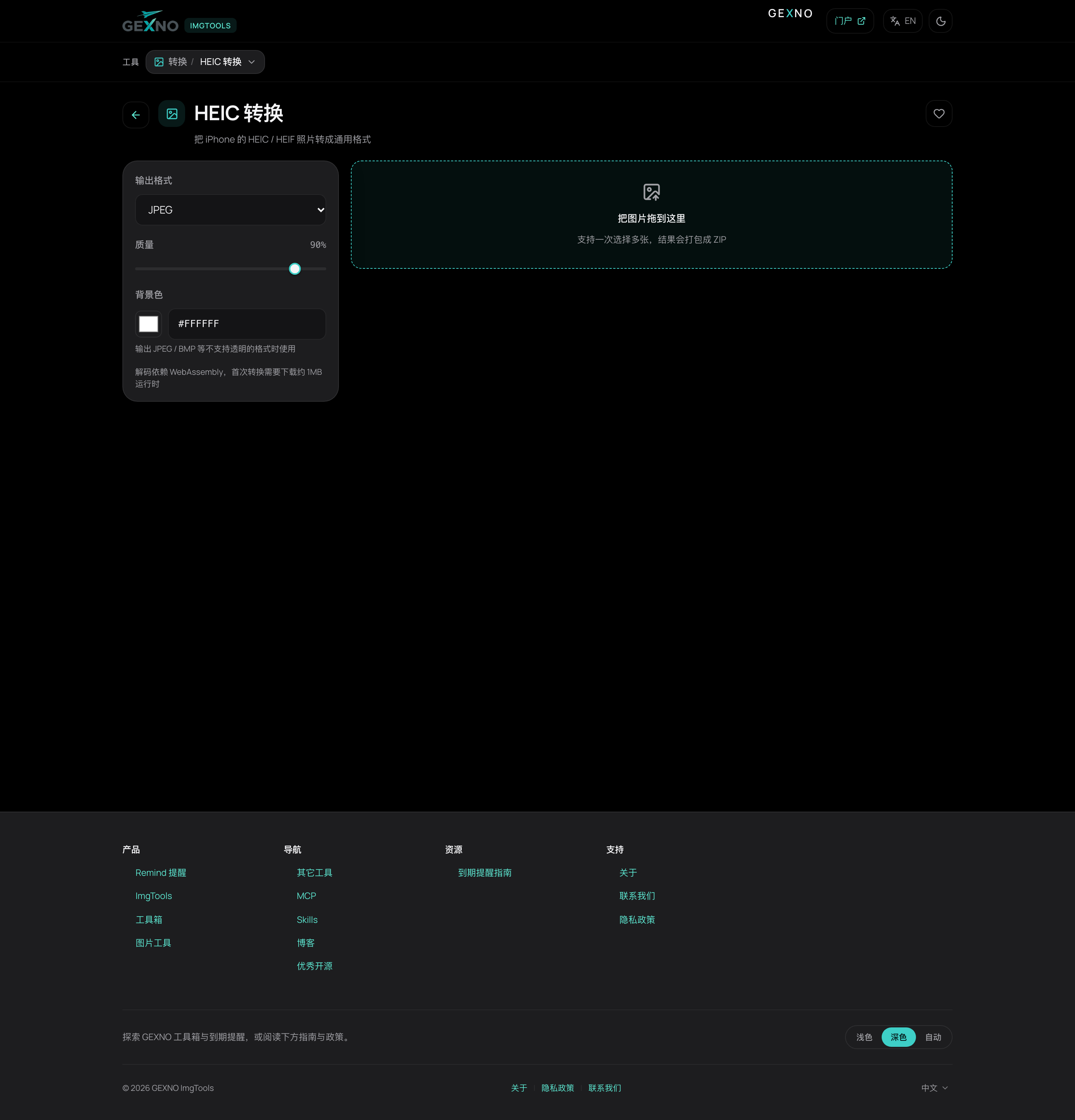
- Step 1: drop your HEIC photos onto the page, or click to browse. Whole folders are supported.
- Step 2: pick the output format (JPG / PNG / WebP) and quality. For sharing and printing, JPG at 80% is visually indistinguishable from the original; WebP is smaller for the web.
- Step 3: hit convert, then download images individually or as one ZIP archive.
Two details people miss
EXIF metadata: the re-encoded JPG by default does not keep the original EXIF (including capture time and GPS location). Great for privacy; if you need the capture date, check the tool's metadata options before converting.
Convert once: JPG is lossy — every save re-compresses. Keep the HEIC originals on your iPhone or a backup drive and don't convert back and forth.
FAQ
How do I open a HEIC file?
On Windows 10+ install the "HEIF Image Extensions" and use the Photos app; the easiest route is converting to JPG, which opens everywhere.
Does converting HEIC to JPG reduce quality?
There is one re-encoding pass, but at 80%+ quality the difference is virtually invisible. Keep HEIC originals for archiving and treat JPG as the distribution copy.
Why can't WeChat open my iPhone photos?
WeChat desktop and some versions don't support HEIC. Convert the photos to JPG first and they will open on the receiver's side without any setup.
Is it safe to convert HEIC online? Are photos uploaded?
It depends on the tool. Most online converters upload photos to their servers; GEXNO ImgTools converts locally in your browser, so photos never leave your device.
How do I make my iPhone shoot JPG directly?
Go to "Settings → Camera → Formats" and choose "Most Compatible". New photos will be JPG; existing ones still need a one-time conversion.