
GEXNO / Guides / What Is Base64? Encoding, Decoding and Image-to-Base64 Explained
What Is Base64? Encoding, Decoding and Image-to-Base64 Explained
Base64 is not encryption! A plain-language guide to how Base64 works and when to use it, plus online encoding/decoding for text and files — all local, nothing uploaded.
What is Base64? Fixing a common misconception first
Base64 is not encryption — there's no key and anyone can decode it. It's an encoding: a way to represent arbitrary binary data using 64 printable characters (A-Z, a-z, 0-9, +, /) so binary can travel through text-only channels — email protocols, JSON fields, Data URLs, config files.
The cost is size: 3 bytes become 4 characters, about 33% larger. Base64 was never about saving space; it's about transportability.
Text Base64: encoding and decoding
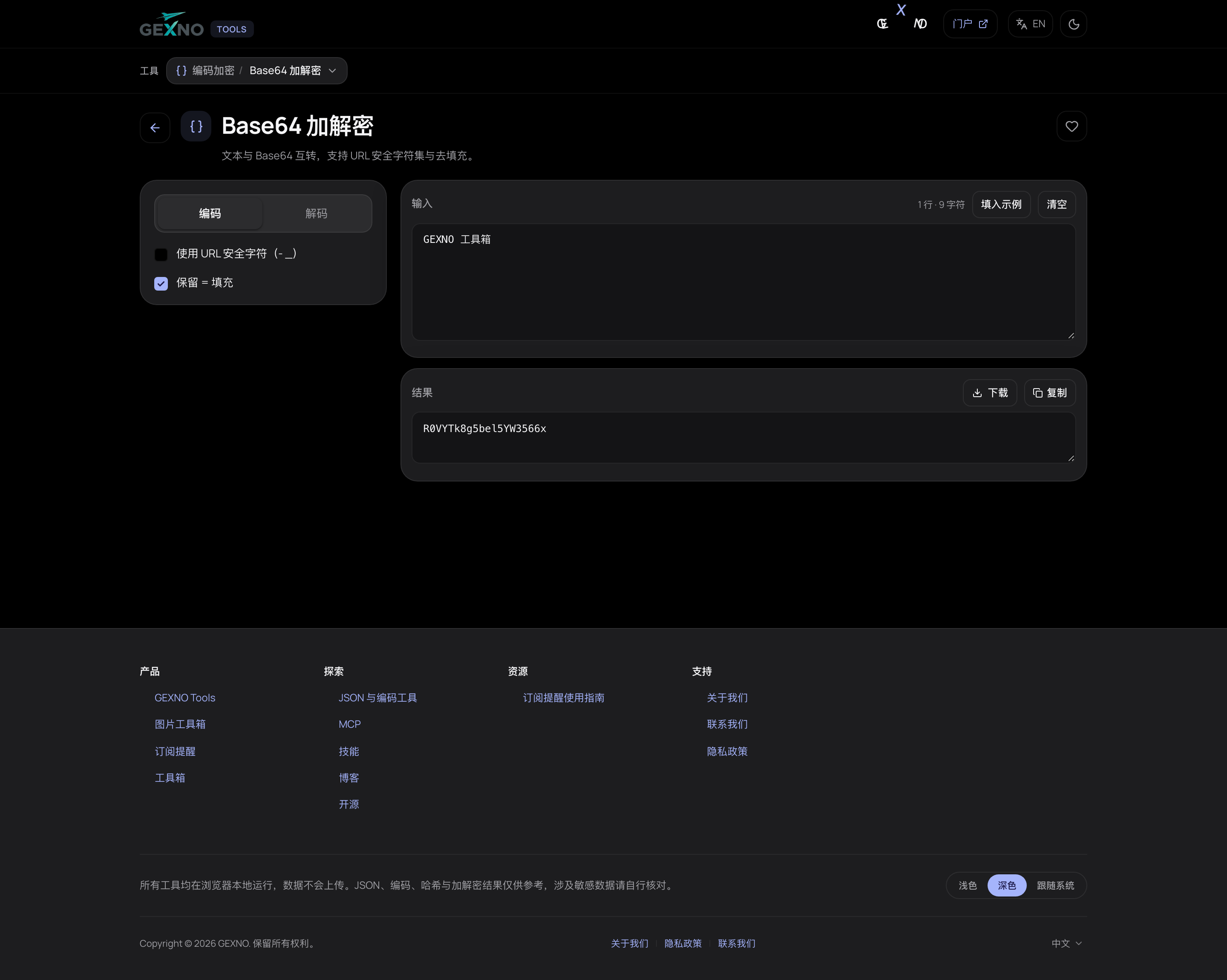
The Base64 tool in GEXNO Tools converts both ways in real time: type text on the left and the encoded result appears on the right; paste Base64 to decode it back. UTF-8 (Chinese included) supported, all local.
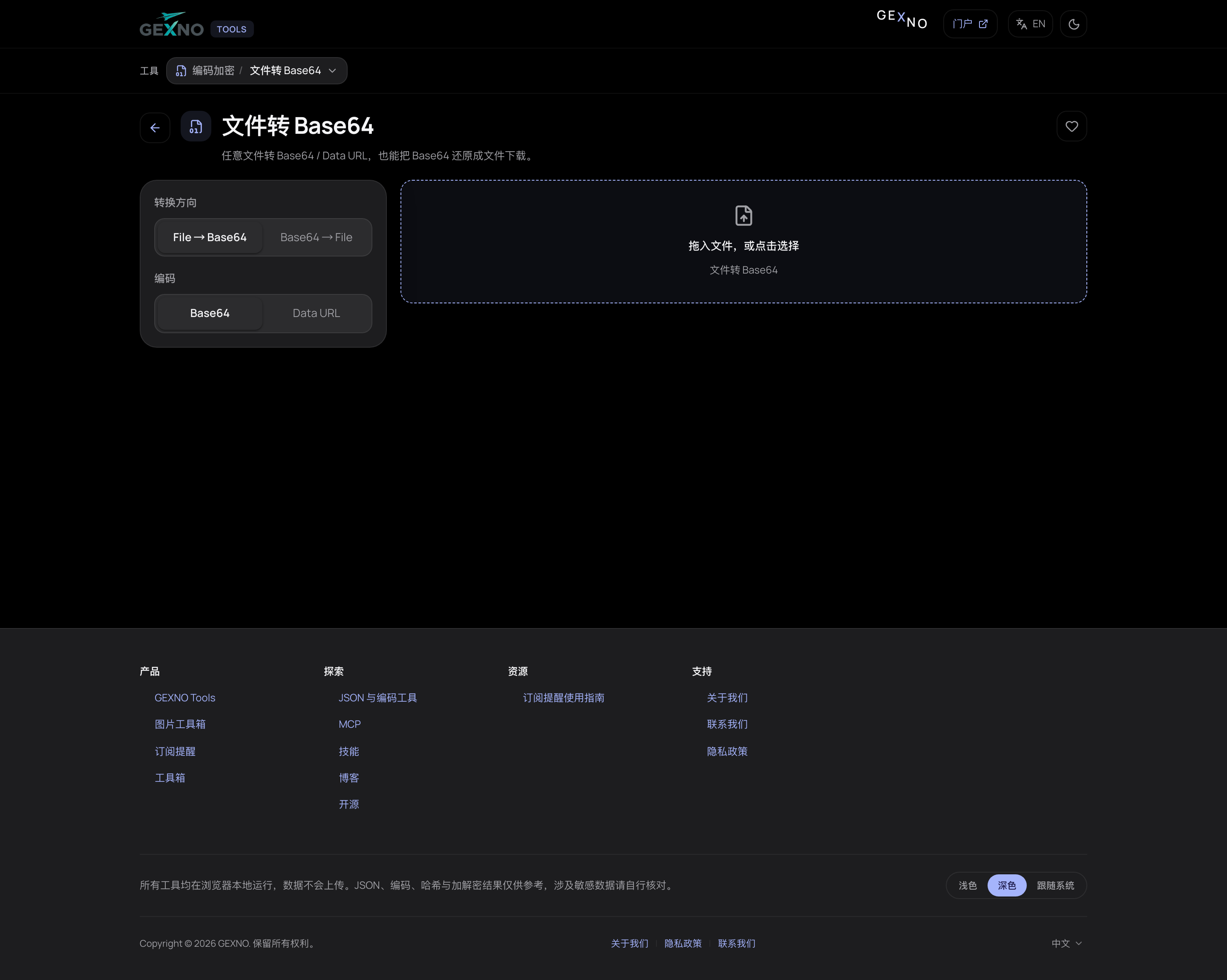
Images to Base64: using Data URLs properly
Convert small icons and logos to Base64 and inline them directly in HTML/CSS: <img src="data:image/png;base64,...."> — saving an HTTP request. Good for icons under 10KB; inlining big images slows the first paint (33% larger, and browsers can't cache them separately).
When to use Base64 — and when not to
- Use it: email attachments (MIME), binary inside JSON, inlining small icons, JWT signature segments, pushing binary through text-only channels.
- Avoid it: inlining large images, substituting for real encryption, storing binary that already has a home (pointless +33%).
- Need confidentiality? Encrypt first, then encode — Base64 solves transport format, not security.
A 5-second experiment
Base64-encode the five letters GEXNO and you get R0VYTk8=. The trailing = is padding (applied when the input length isn't a multiple of 3). Paste the result back into the decoder and it comes right back. Doing it once beats reading ten articles.
FAQ
Is Base64 encryption? Is it secure?
No — it's an encoding, with no key and anyone can decode it. For confidentiality, encrypt with AES (or similar) first, then Base64-encode for transport.
Why does Base64 make data bigger?
Every 3 bytes become 4 characters, about 33% larger. That's the necessary price when a channel only accepts text.
Can standard Base64 go in a URL?
The + and / characters have special meaning in URLs. Use the Base64url variant (- and _) or URL-encode the result.
How do I use a Base64 image?
Build a Data URL (data:image/png;base64,xxxx) and drop it into an <img src> or CSS url(). Only recommended for icons under 10KB.
Why does Chinese text encode differently in Base64?
Base64 encodes bytes; Chinese is first converted to UTF-8 bytes. Both sides using UTF-8 produce identical results — mismatches usually mean one side used GBK or similar.